
Proctor, review, decide with confidence
Stop employment application fraud with continuous video monitoring, flagged events and playbacks for recruiters.
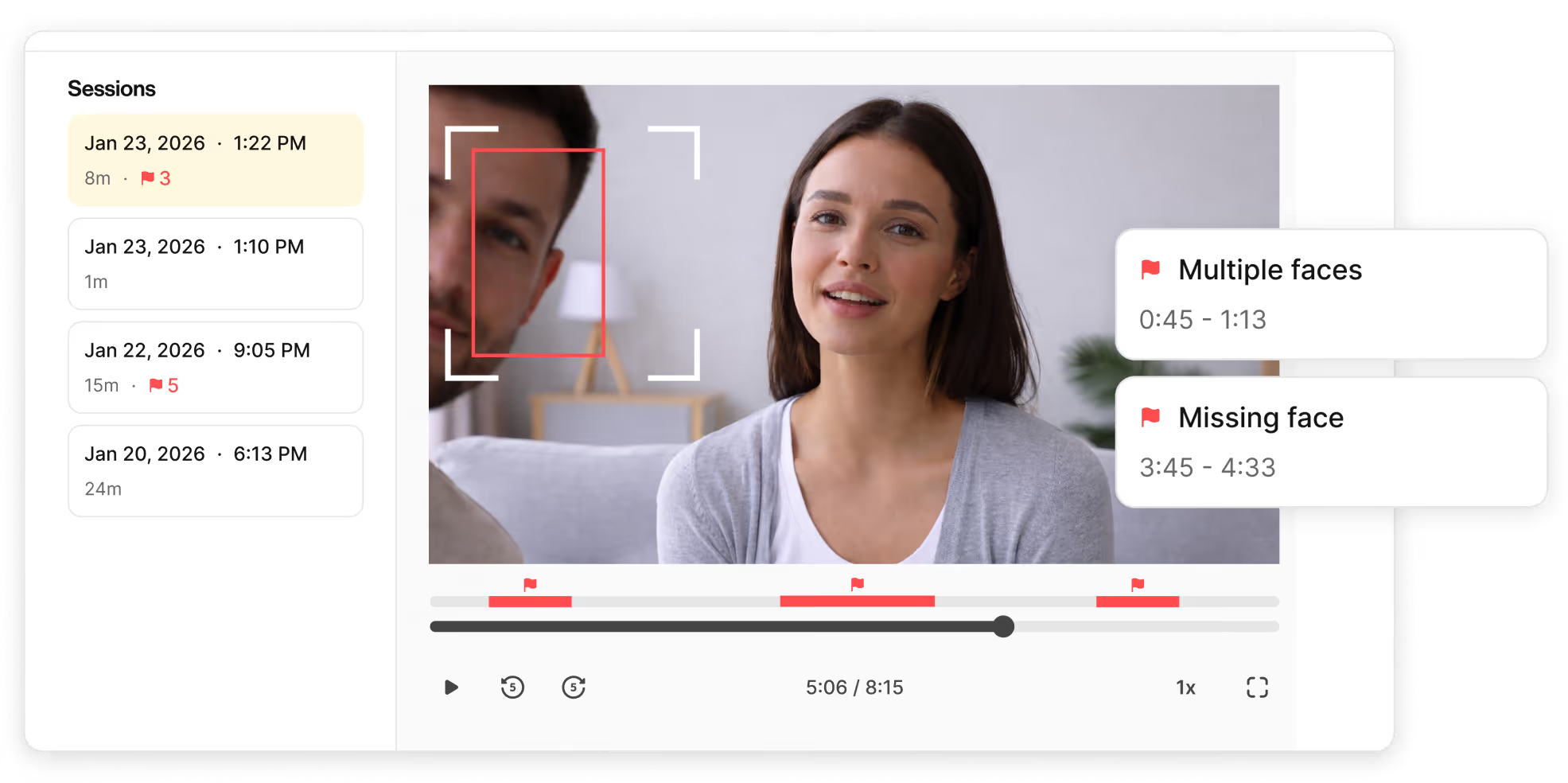
Session Integrity: continuous webcam recording
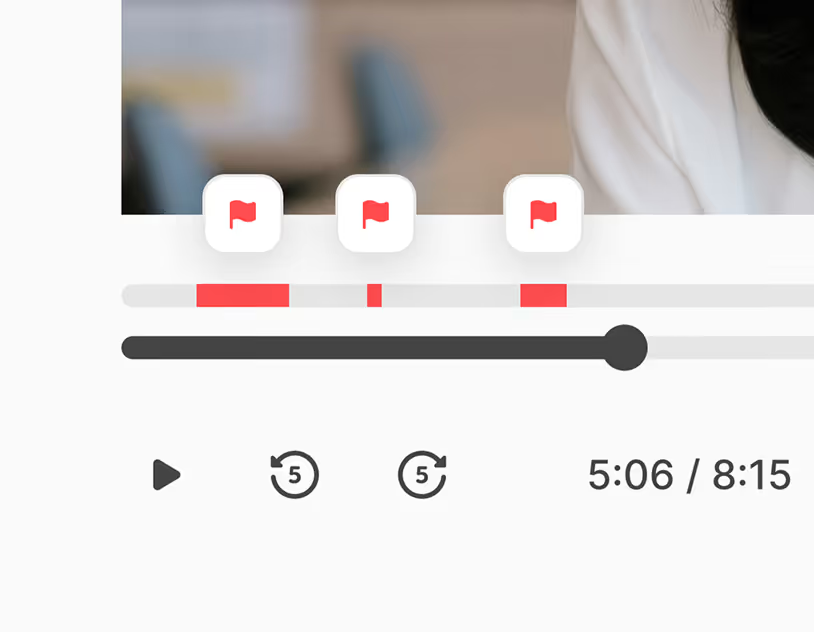
Automatic flags for suspicious behavior
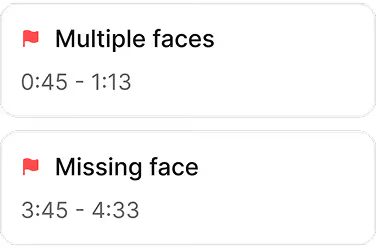
See a timeline of flagged events such as multiple faces detected, candidate absence, and more, surfaced exactly at the timestamps they happened. Review what matters, skip what doesn’t.
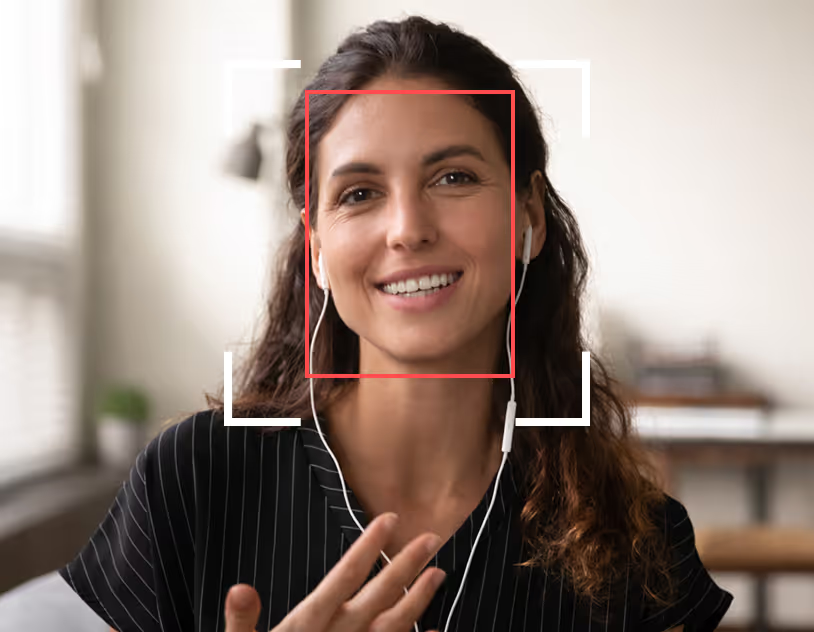
Built-in protection against AI deepfakes
Our dynamic simulation prompts combined with video proctored session recording means manipulated or AI-generated faces are far harder to use undetected.
No more employment application fraud. Know exactly who earned that score.
Enable Session Integrity
When creating a role, flip on the Session Integrity toggle. Monitoring activates automatically for every candidate. No additional setup required.
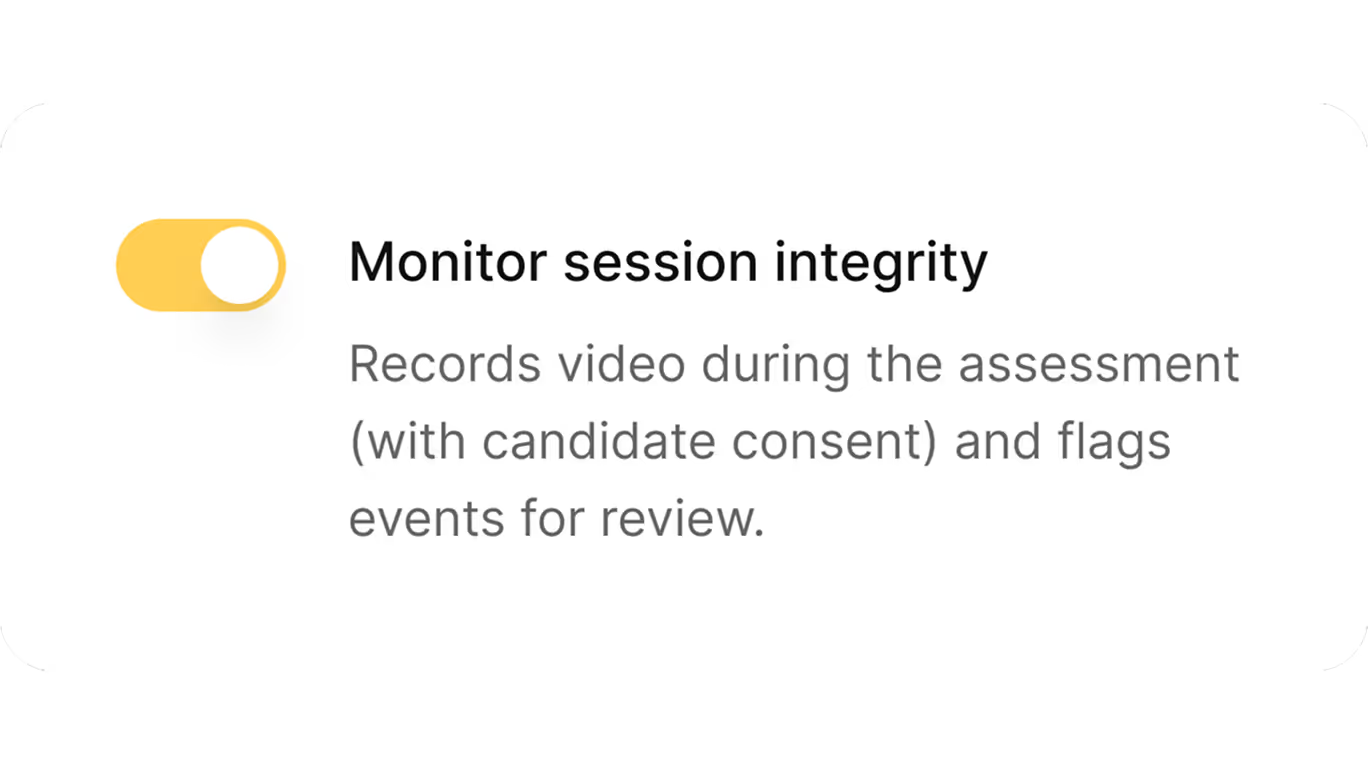
See flags in the dashboard
Results arrive with integrity indicators alongside scores. A flag count tells you at a glance which sessions warrant a closer look and which are clean.

Review the evidence and decide
Click any flagged session to open the full video playback. Review the timestamped event such as multiple faces, candidate absence, and more. Then, decide with confidence whether fraud occurred.

-
Continuous webcam recordingAnti-cheating features
Continuous webcam recording
The full session is recorded as a playable video, not just snapshots, giving you real evidence for every flagged event.
-
Face presence detectionMore anti-cheating tools
Face presence detection
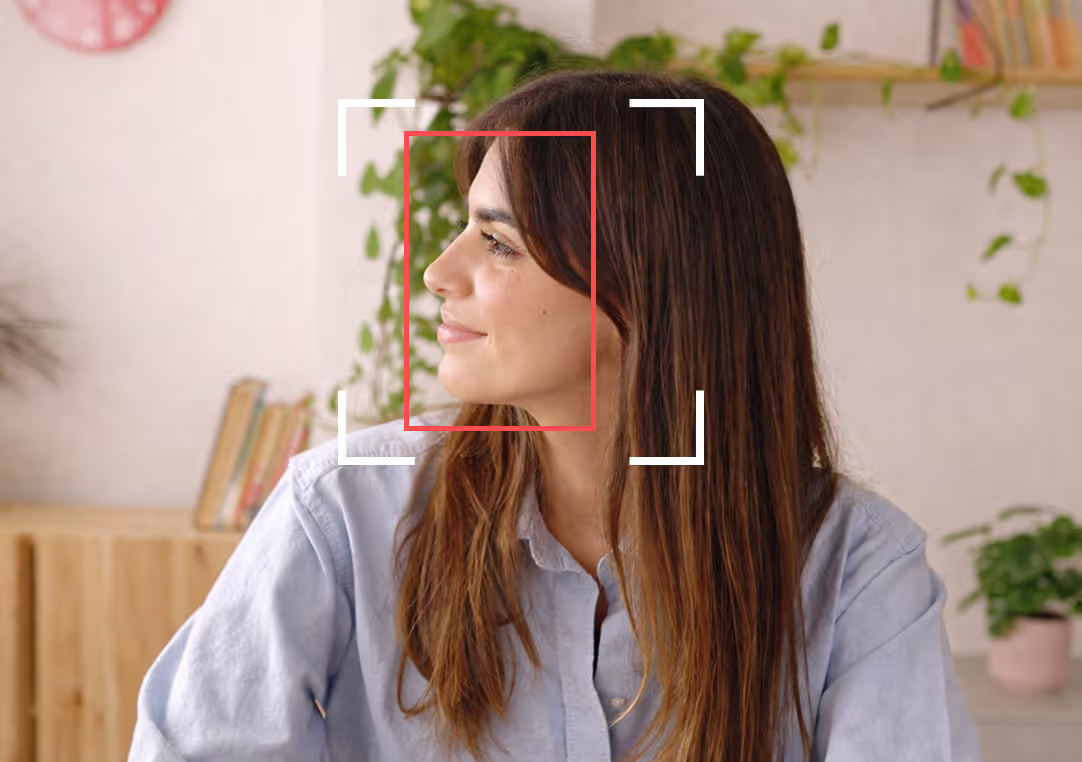
Flags sessions where the candidate’s face disappears from view — catching attempts to step away or hand off the test.
-
Multiple faces detectionMore anti-cheating tools
Multiple faces detection

Automatically detects when a second person enters the frame, flagging possible coaching or impersonation in real time.
-
Randomized question orderMore anti-cheating tools
Randomized question order
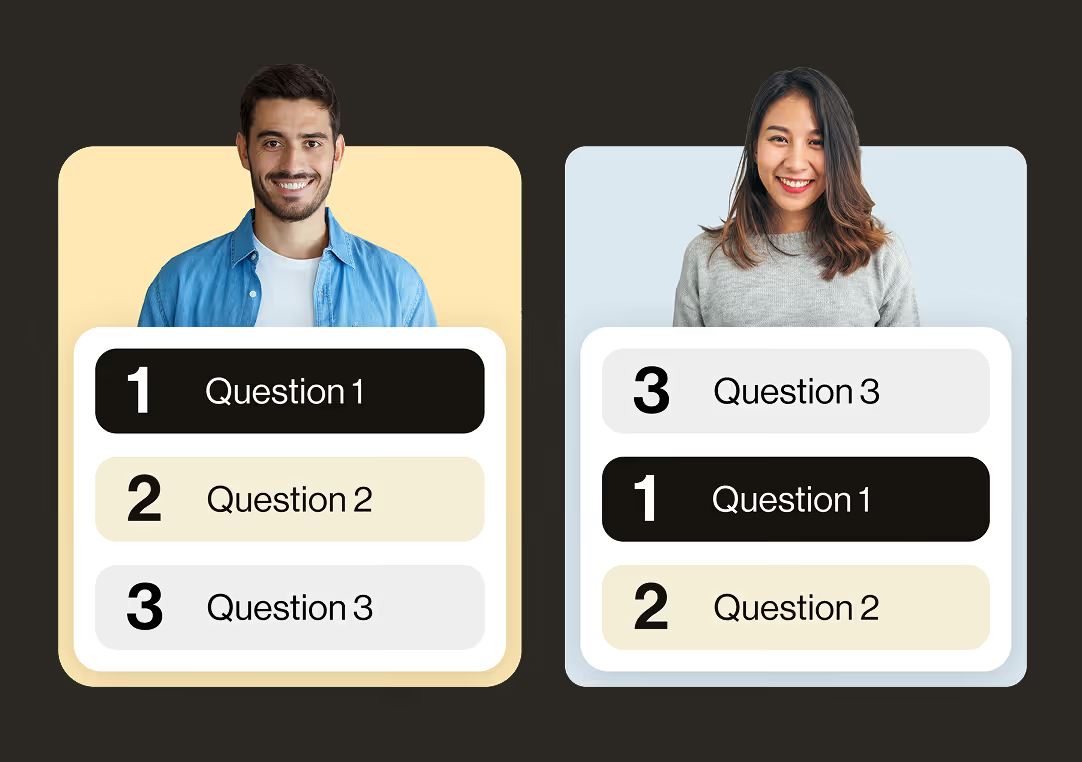
Each candidate receives questions in a different sequence, making it nearly impossible to share or coordinate answers.
-
Test versioningMore anti-cheating tools
Test versioning
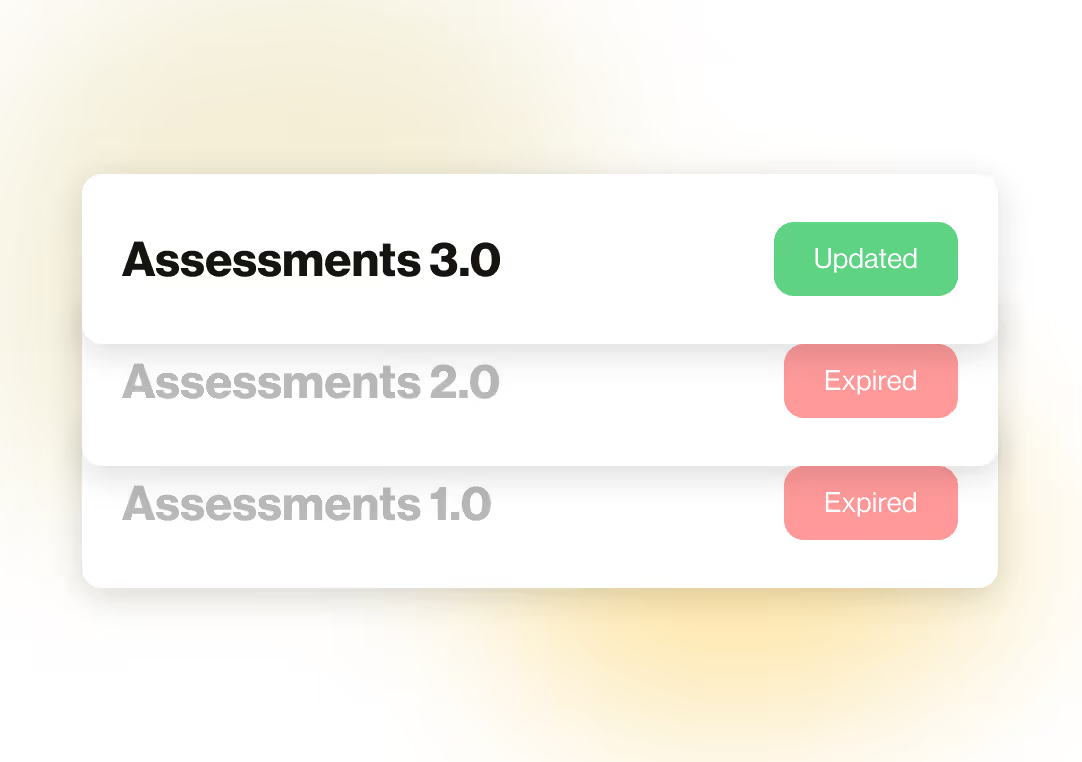
Assessments are regularly updated so circulating answer keys become obsolete — protecting the validity of your results over time.

Frequently asked questions
Session Integrity is an add-on to HiringBranch’s per-hire pricing model. Reach out to sales for specific pricing.
No. A flag is never an automatic disqualification. Session Integrity surfaces events that warrant a closer look — the hiring decision stays entirely with your team. We provide the video evidence and the workflow to review it efficiently; you decide what it means for each candidate.
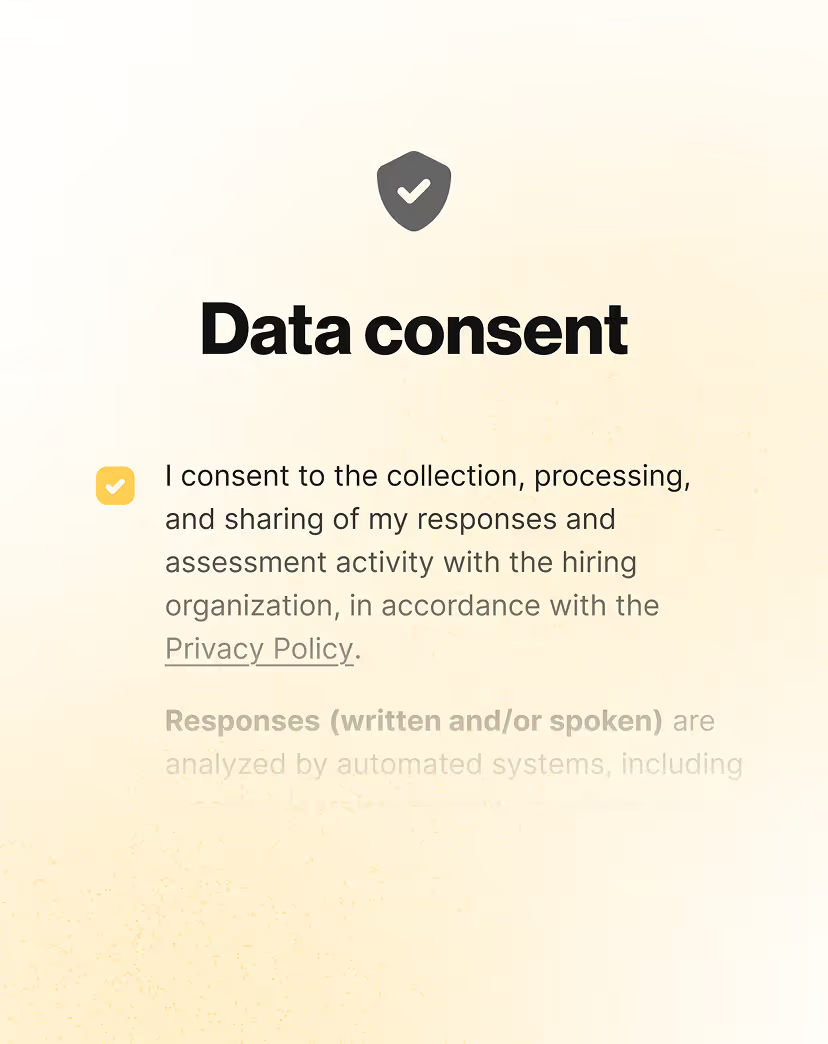
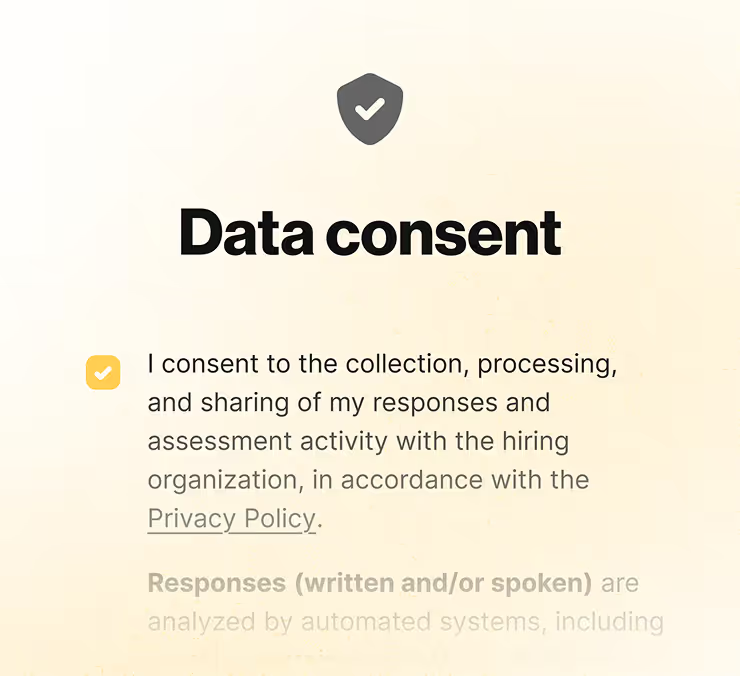
The candidate’s webcam feed is recorded for the duration of the assessment and stored as a full, playable video. Audio is not recorded. Candidates are informed clearly before they begin and must provide explicit consent before recording starts.
Recordings are stored in your dashboard for 30 days.
Currently, Session Integrity detects and flags face absence (the candidate stepped away or covered the camera) and multiple faces in frame (a second person appeared, suggesting coaching or impersonation).
No. Recording happens entirely through the candidate’s browser — no app installs, no browser extensions, no special equipment. The camera check step at the start of the assessment confirms everything is working before the candidate begins.
Video recordings are processed and stored in accordance with HiringBranch’s privacy policy and applicable data protection regulations. Candidates are provided with a clear data consent screen before recording begins, explaining exactly how their data will be used — and confirming it is used solely for assessment integrity, not to evaluate their skills.
Yes. Session Integrity is toggled on or off at the role level when you create or edit a role. You have full control over which assessments include monitoring and which don’t.
Most proctoring tools capture snapshots or require dedicated software. HiringBranch records a full, continuous, playable video of each candidate session — giving you real evidence to review, not just a static image at a single moment in time. Combined with an integrated flag review workflow, it’s built for fast, high-volume hiring rather than academic exam proctoring.



.svg)